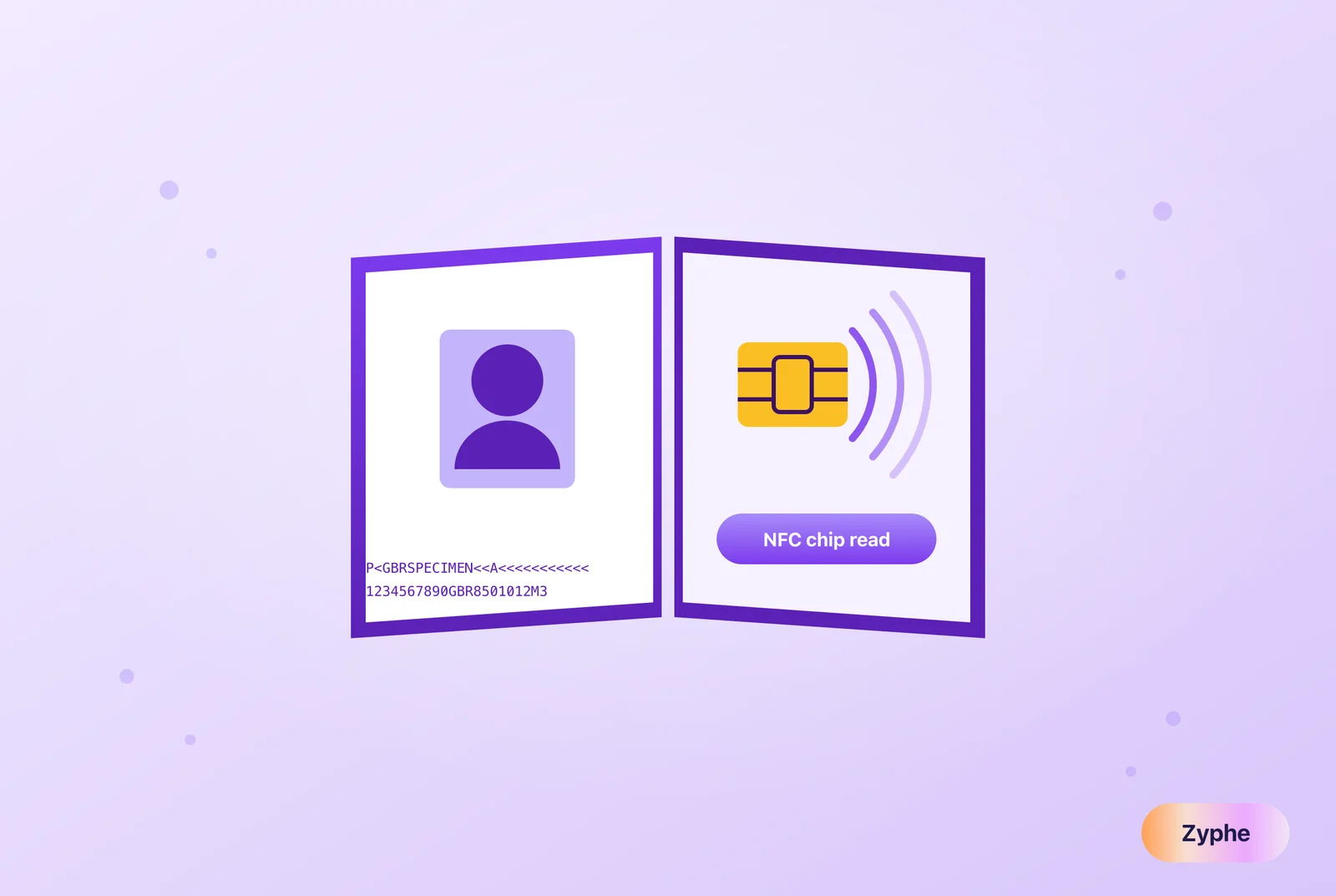
What biometric data does your passport chip store? Check if your passport is biometric, see how NFC verification works, and keep your data private.
Table of contents
Biometric data in a passport is stored on an embedded NFC chip: a digital photo of your face (mandatory under ICAO Doc 9303) plus, in some countries, fingerprints. Verification apps read this chip wirelessly, check its cryptographic signature, and match the stored face to a live selfie in seconds.
If you have renewed your passport in roughly the last 15 years, you are almost certainly carrying a small computer. Inside the cover or data page sits a contactless chip that holds your photo, your personal details, and a digital signature from the government that issued it.
This guide explains what that chip stores, how to tell if your passport is biometric, how the machine readable zone (MRZ) fits in, and why chip-based NFC verification is rapidly replacing photo uploads for online identity checks. It also covers the privacy question nobody should skip: where does your biometric data go after a company verifies you?
What is a biometric passport? (biometric passport meaning)
A biometric passport, also called an ePassport or electronic passport, is a passport with an embedded contactless chip that stores the holder's biographical data and at least one biometric identifier, in a format standardized by the International Civil Aviation Organization (ICAO) in Doc 9303.
Three things make a passport "biometric" rather than merely machine-readable:
- A contactless chip (readable via NFC, the same radio technology as contactless payments).
- A stored biometric: a facial image is mandatory; fingerprints and iris images are optional under ICAO rules.
- A digital signature from the issuing government, so any reader can verify the data has not been altered or cloned.
Adoption is close to universal for newly issued travel documents. According to identity-verification vendor Regula, 181 countries issue passports with a contactless chip as of mid-2026. In the EU, chips with a facial image have been mandatory in new passports since August 2006, with two fingerprints added under Regulation (EC) No 2252/2004.
What the NFC chip in your passport actually stores
The chip is organized into standardized "data groups" (DGs). Most passports populate only a few of them.
| Data group | Contents | Mandatory? |
|---|---|---|
| DG1 | The MRZ data: name, passport number, nationality, date of birth, sex, expiry date | Yes |
| DG2 | High-quality digital photo of your face (typically JPEG2000) | Yes |
| DG3 | Fingerprints | Optional (mandatory in EU passports) |
| DG4 | Iris images | Optional (rarely used) |
| DG11 to DG13 | Additional personal or issuer details (e.g., place of birth) | Optional |
| SOD (Document Security Object) | Cryptographic hashes of every data group, signed by the issuing country | Yes |
Source: ICAO Doc 9303; data-group breakdown summarized by Didit.
Two things the chip does not store are worth stating plainly. It does not contain your travel history, and it does not contain a tracking beacon. The chip is passive and only responds when a reader is within a few centimeters and has proven it can see the physical document (more on that below).
Is my passport biometric? How to check in 10 seconds
Look at the front cover. Every ICAO-compliant ePassport carries the biometric symbol: a small rectangle with a circle in the center, printed near the bottom of the cover (Regula). If that symbol is there, your passport has a chip.
Second check: the issue date. Most major issuers switched to chipped passports between 2005 and 2013, so any passport issued in the last decade is very likely biometric.
| Country / region | Biometric passports issued since (approx.) | Notes |
|---|---|---|
| Australia | 2005 | One of the earliest adopters |
| United States | 2006 | Face image only on chip; cover includes shielding, so the passport must be opened to be read |
| EU member states | 2006 | Face mandatory from Aug 2006; two fingerprints added under [EC 2252/2004](https://eur-lex.europa.eu/EN/legal-content/summary/integration-of-biometric-features-in-passports-and-travel-documents.html) |
| United Kingdom | 2006 | Face image on chip |
| Japan | 2006 | Face image on chip |
| Canada | 2013 | Face image on chip |
Approximate first-issue dates; see Signicat's country overview and Regula's global summary for the full list. If your passport predates these dates or lacks the symbol, it is machine-readable at best. It can still be verified from its data page and MRZ, just not via chip.
Visual zone vs. machine readable zone vs. chip
A modern passport carries the same identity data in three redundant layers. That redundancy is deliberate: each layer cross-checks the others, which is what makes forgery so hard.
The visual inspection zone (VIZ)
The printed data page: your photo, name, date of birth, signature, plus physical security features like holograms and UV-reactive inks. This is what a border officer, or a photo-upload verification tool, inspects visually.
The machine readable zone of a passport (MRZ)
The machine readable zone is the two lines of 44 characters each at the bottom of the data page, printed in the OCR-B font and filled with < symbols (Regula). It encodes your name, passport number, nationality, date of birth, sex, and expiry date, with built-in check digits that instantly expose typos or tampering.
The MRZ has a second job in chip verification: it is the key. A reader must optically scan the MRZ first and derive an access key from it before the chip will talk, a protocol called Basic Access Control (BAC), now superseded in newer documents by the stronger PACE protocol. This is the design feature that prevents drive-by skimming: no physical sight of your open passport, no chip access (Signicat).
The NFC chip
The cryptographic layer. It repeats the MRZ data (DG1) and the photo (DG2), but adds the government's digital signature. A verifier can mathematically prove the data is genuine and unmodified, something no amount of squinting at a photographed data page can do.
| Layer | What it holds | How it's checked | Can it be convincingly faked? |
|---|---|---|---|
| Visual zone | Printed photo \+ data \+ security print | Human eye or camera image | Yes, with effort: good forgeries and screen replays fool cameras |
| MRZ | Encoded biodata \+ check digits | OCR scan \+ checksum validation | Partially: checksums catch errors, not skilled forgery |
| NFC chip | Signed biodata \+ high-res face image | Cryptographic signature validation | No practical forgery of the signature is known; cloned or altered data fails validation |
Why NFC chip verification beats photo upload
Most online identity checks still work the old way: you photograph your passport, upload it, and software inspects the image. That approach inspects the weakest layer of the document. NFC verification inspects the strongest.
Here is what changes when a verification flow reads the chip instead:
- Forgery detection becomes mathematics, not image analysis. The chip's Document Security Object is signed by the issuing country. Altered data fails signature validation, full stop.
- The reference photo is pristine. Face matching runs against the high-resolution image stored in DG2, not a glare-streaked photo of a laminated photo. Match accuracy rises and false rejections fall.
- Deepfakes and screen replays lose their easiest target. Fraudsters increasingly attack photo-upload flows with AI-generated documents and injected images, a trend we track in our guide to deepfake attacks on KYC. A chip signature can't be generated by an image model.
- It's faster for legitimate users. Tap the passport to a phone, take a selfie with liveness detection, done, with no retakes because of blur or glare.
For businesses, this is the difference between "the document looks real" and "the document is cryptographically proven real." If you're evaluating verification approaches end to end, our document verification guide walks through the full landscape, from optical checks to chip reading.
Zyphe is a privacy-first, decentralized identity verification and compliance platform that verifies government IDs, including NFC passport chips, without storing users' personal data in a central vendor database. Zyphe supports documents from 190+ countries with biometric face capture and liveness detection, typically completes verification in under a minute, and reports 99.8% document-matching accuracy.
The privacy problem: where your biometric data goes after verification
Reading the chip is the easy part. The uncomfortable question is what happens next. In a conventional verification setup, your passport photo, chip data, and selfie are copied into the vendor's central database, alongside millions of other people's. That database is a single high-value target, and the industry's breach record shows attackers know it (see our running KYC/IDV breach tracker).
Biometric data raises the stakes beyond ordinary PII. You can change a leaked password. You cannot change your face.
Decentralized storage restructures the risk instead of just managing it:
- No central honeypot. Identity data is sharded across decentralized storage nodes rather than pooled in one vendor database. There is no single database to breach.
- User-held keys. Encryption keys stay with the user, so neither the vendor nor an attacker who compromises the vendor can unilaterally decrypt the data.
- Proofs instead of copies. Verifiable credentials and zero-knowledge proofs let a business confirm "this person's passport is genuine and they are over 18" without receiving or retaining the underlying document, while audit trails are preserved for compliance teams.
This is the architecture behind Zyphe's decentralized PII storage. Zyphe reports it cuts data-breach risk by around 90% compared with centralized vendors. For the compliance-team view of the same idea, see how to run KYC without storing passports.
There's a user-side payoff too. Once your passport chip has been verified once, a reusable credential, Zyphe's KYC Passport, lets you prove your identity to the next platform in one click instead of re-photographing documents from scratch.
Verify passports the strong way, and keep the data out of harm's way. If you're building onboarding that reads NFC chips without creating a biometric honeypot, book a demo to see Zyphe's decentralized verification in action.
 Michelangelo Frigo (Co-Founder at Zyphe) Michelangelo Frigo is a privacy and identity infrastructure expert and co-founder of Zyphe.